Account Access and Verification Checks at Crowngreen

Creating or recovering an online gambling account is not simply a matter of choosing a password. Before entering personal details, New Zealand readers should confirm that registration is available to them, understand what information may later be requested, and know how to respond if email confirmation or sign-in recovery fails. The Crowngreen registration and verification steps can be used as a reference point, but the live site’s terms and registration controls remain the relevant source for current eligibility and account requirements.
Check eligibility before entering personal details
The first account-access question is whether registration is available in your location at all. The published material is inconsistent about New Zealand eligibility: one New Zealand-facing description says local players are accepted, while a stated restricted-country list includes New Zealand. That conflict means readers should not assume that a registration form, a local-language page or a displayed currency proves that an account can lawfully be opened and used from New Zealand.
The terms place responsibility on the customer to ensure that online gambling is lawful where they live. They also require the user to meet the minimum age of 18 and to provide accurate account information. These are not minor formalities. If a jurisdiction check later shows that an account should not have been opened, access, balances or withdrawals could be affected. Read the current terms and any location message shown during registration before submitting the form.
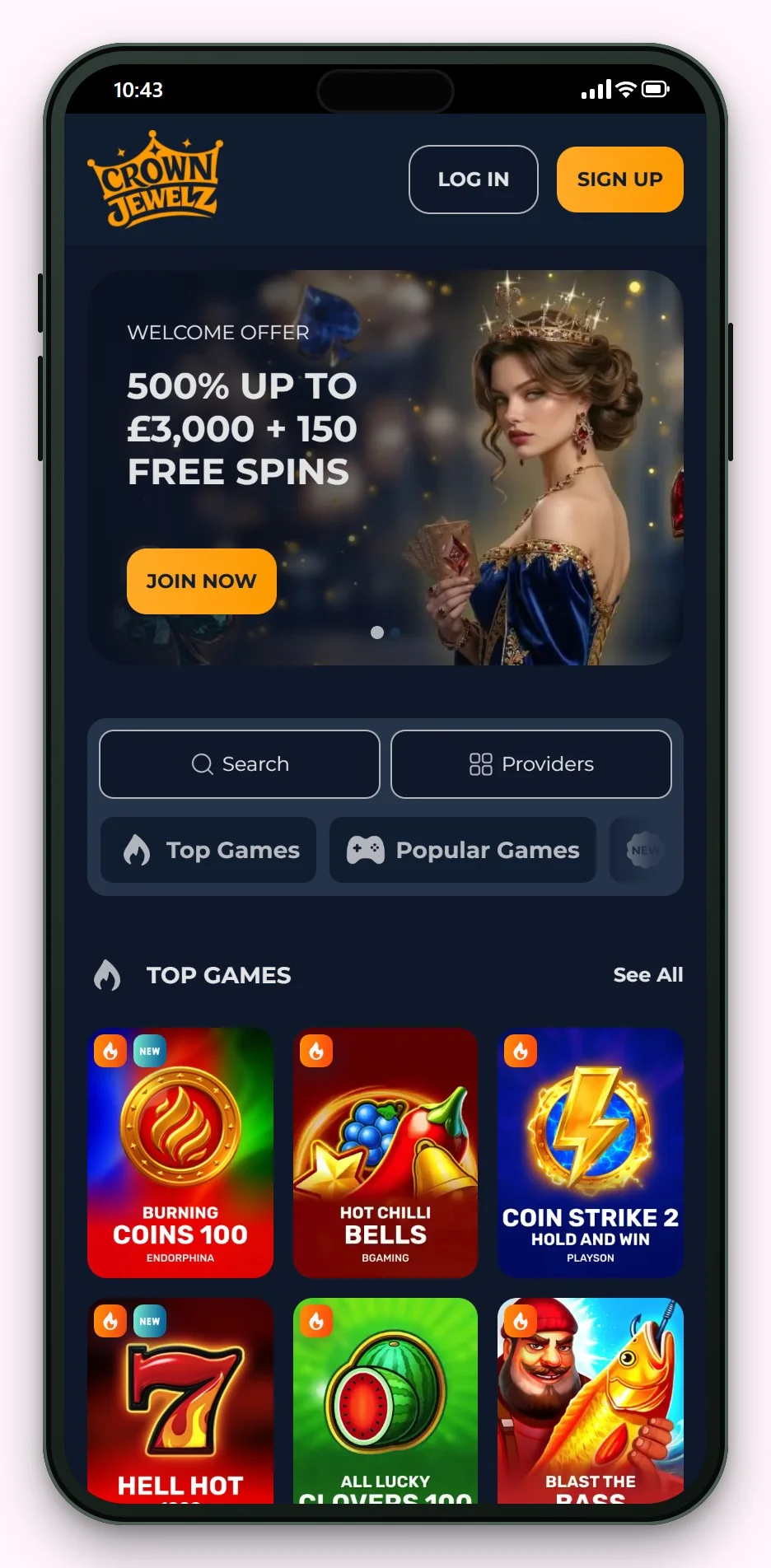
It is also worth separating account access from regulatory status. The operator is described in the source material as offshore and connected with an Anjouan licence, rather than being licensed by a New Zealand regulator. A visible sign-up route does not establish New Zealand authorisation. If the site blocks registration, asks you to confirm a different country or presents terms that do not clearly cover your circumstances, do not try to bypass the restriction with inaccurate information or technical workarounds.
Prepare details that match your identity
The displayed registration form asks for a name, email address, password and password confirmation. Use details that match your real identity and that you can keep accessible. An email address that is rarely checked can cause practical problems when a confirmation message, login code or security request is sent there. A separate password should be used rather than one reused for email, banking or social-media accounts.
Accuracy matters beyond the initial form. The terms require account details to remain truthful and prohibit account sharing. They also restrict each person to one account. Creating a second profile because the first one is temporarily inaccessible may create a separate terms problem, even if the intention is only to regain access. Instead, use the stated recovery route or ask support what information is needed to restore the original account.
Before submitting anything, check spelling carefully, especially the email address and legal name. A mistyped address can prevent confirmation and make later recovery harder. Keep a private record of the email used, but never send a password or one-time code to another person. If a form requests information that is unclear or unexpectedly extensive, pause and review the current privacy and account terms rather than guessing at an answer.

Follow confirmation and identity checks separately
Email confirmation and identity verification are different stages. Confirmation normally establishes that you can receive messages at the address entered during registration. Identity verification is a broader account or payment check that may be requested before deposits or withdrawals. Completing an email step should therefore not be treated as proof that every later account requirement has been satisfied.
The available material does not consistently specify which identity documents are accepted or how long checks take. Users may be asked for proof of identity and other documents needed for account or payment checks, and a withdrawal may be held while those checks are completed. Check the live instructions before sending anything. Use only the requested documents, ensure images are readable, and avoid altering information that the verification team needs to inspect.
Good document-handling habits reduce avoidable risk. Confirm that a request comes through the recognised account or support channel, inspect the destination address carefully and do not disclose passwords, card PINs or email security codes as part of an identity check. For broader online-account safety guidance, New Zealand online safety information from Netsafe provides practical advice. Keep copies of submitted documents securely and note when they were provided, without sending duplicates unless requested.
Recover access without opening another account
The sign-in interface is described as using an email address and password. If the password is forgotten, the displayed recovery route asks for the account email so a login or reset code can be sent. The process then uses a six-digit code to regain access. Enter the code only on the genuine account page, and avoid forwarding it to anyone claiming to be support through an unsolicited message.
If no message arrives, check the spelling of the email address, spam and junk folders, and any filtering rules that may delay automated messages. Requesting several codes in quick succession can make it difficult to identify which one is current. Wait briefly, then follow the available resend instruction. If the address is no longer accessible, the account may require an additional verification process rather than a simple password reset.
Do not create a replacement account to work around a failed login, an inactive email address or a pending verification request. The source terms prohibit multiple accounts, and a second profile can complicate ownership and payment checks. Contact the stated support channel using the original account details where possible. Explain the access problem clearly, provide only the information requested and retain any case reference or correspondence.
Resolve holds and failed checks methodically
An account hold does not necessarily mean that a password is wrong. Access may be affected by an unresolved email confirmation, an identity review, a jurisdiction check or a request for additional payment information. Read the exact message shown on screen and distinguish between a technical login error and a restriction linked to eligibility or verification. The correct response depends on that distinction.
Make a short record of the problem: when it began, which email address was used, what message appeared and whether a code or document had already been submitted. This makes a support request more precise. Avoid repeated submissions, changing personal details to make them “fit”, or using another person’s payment method. The source terms prohibit third-party deposits and fraudulent activity, and those actions can create more serious account questions.
Before relying on an account balance or planning a withdrawal, confirm the current terms for your location and account status. Verification may be requested before a withdrawal, and published material does not establish universal processing times or document requirements. If the operator cannot explain why access is restricted, or if a request for sensitive information appears suspicious, stop and seek independent advice rather than sending more data. Account access should be treated as conditional until eligibility and verification are clear.
Common account-access questions
Can a New Zealand resident assume registration is available?
No. The available descriptions conflict about New Zealand eligibility, including a restricted-country reference. A registration form or local-facing page is not enough to establish permission. Check the live jurisdiction terms and any registration control before submitting personal information or attempting to use an account.
What should I do if the six-digit recovery code does not arrive?
Check the entered email address, spam folder and mail filters, then use the displayed resend option after a short wait. Do not create another account. If access still fails, contact the stated support channel and be ready to complete additional account verification.
Does email confirmation complete identity verification?
No. Email confirmation only concerns access to the registered address. Identity or payment checks may be requested separately, including before a withdrawal. The accepted documents and review times are not consistently specified, so follow the current instructions shown for your account and location.